Why does Wi-Fi signal get weaker in some rooms of a building?
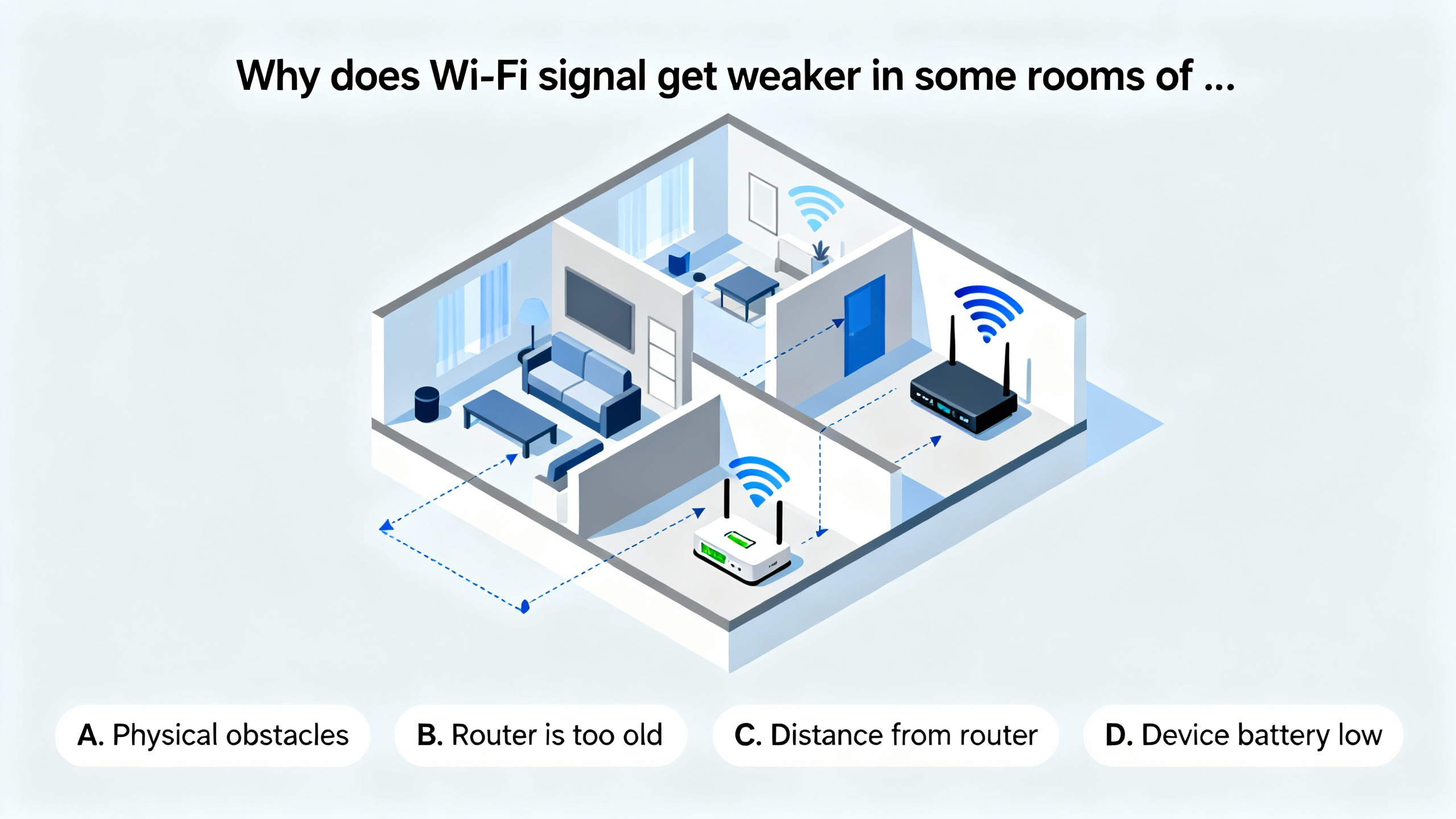
 The phenomenon of a weakened Wi - Fi signal in certain rooms of a building is a common issue that many people encounter. This can be attributed to several factors, each playing a significant role in degrading the signal strength. Firstly, physical obstacles play a substantial role. Buildings are constructed using a wide range of materials, and each material has a different impact on Wi - Fi signals. Concrete and brick are two of the most commonly used building materials, and they can have a significant effect on the propagation of Wi - Fi waves. Concrete is a dense material that can absorb and reflect Wi - Fi signals. When Wi - Fi waves encounter a concrete wall, a large portion of the signal is absorbed by the wall, reducing its strength as it passes through. For example, in a high - rise building, the thick concrete walls used for structural support can act as formidable barriers. These walls can block a significant amount of the Wi - Fi waves, creating areas within the building where the signal is severely weakened. Imagine a large office building with concrete partitions between different work areas. An employee sitting in a cubicle on the far side of a thick concrete partition may experience a very weak Wi - Fi signal, even if the router is relatively close by. Brick walls also have a similar effect on Wi - Fi signals. Although bricks are less dense than concrete, they still have the ability to absorb and scatter Wi - Fi waves. In older buildings, where brick is a common construction material, the Wi - Fi signal may be weaker in rooms with exterior brick walls. A historic brick - built house, for instance, may have rooms where the Wi - Fi connection is inconsistent due to the presence of these brick walls. Metal objects are even more problematic when it comes to Wi - Fi signals. Metal is a highly conductive material, and it can completely block Wi - Fi waves. Refrigerators are a common source of signal interference in homes. The metal casing of a refrigerator can act as a shield, preventing Wi - Fi signals from passing through. If a router is placed near a refrigerator, the signal in the area around the refrigerator may be extremely weak or non - existent. Metal filing cabinets in an office environment can also create dead zones. These cabinets can block the Wi - Fi signals, leaving employees in the vicinity with a poor connection. Additionally, large metal beams used in the building's structure can have a similar effect. In industrial buildings or warehouses with metal frameworks, the Wi - Fi signal may be weak in areas close to these metal beams.
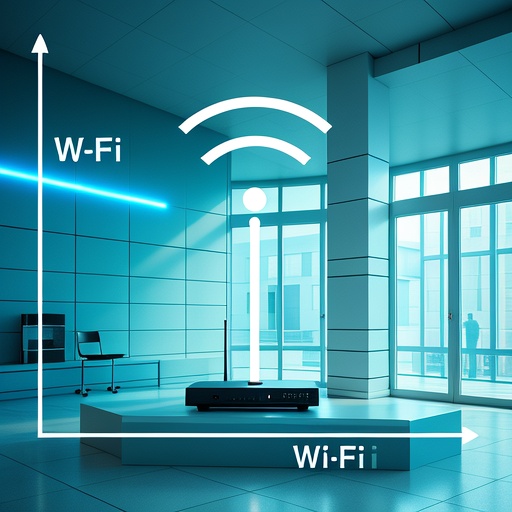 Secondly, distance from the router is a crucial factor. Wi - Fi signals follow the inverse - square law, which means that the signal strength decreases exponentially as the distance from the source (the router) increases. In a large building, the distance between the router and different rooms can vary significantly, leading to differences in signal strength. In a multi - story house, for example, if the router is placed in the living room on the first floor, a bedroom on the second floor at the far end of the house will have a much weaker signal. The Wi - Fi waves have to travel a greater distance, and they may also encounter multiple walls and floors along the way. Each wall and floor that the signal passes through further weakens it. Moreover, the signal has to spread out over a larger area as it travels, resulting in a lower signal density at the receiving end. Even in a single - story building, distance can still be a problem. A large open - plan office with a single router placed in one corner may have areas near the opposite corner where the Wi - Fi signal is weak. Employees working in these areas may experience slow internet speeds or frequent disconnections. The farther away a device is from the router, the more difficult it is for the device to receive a strong and stable signal.
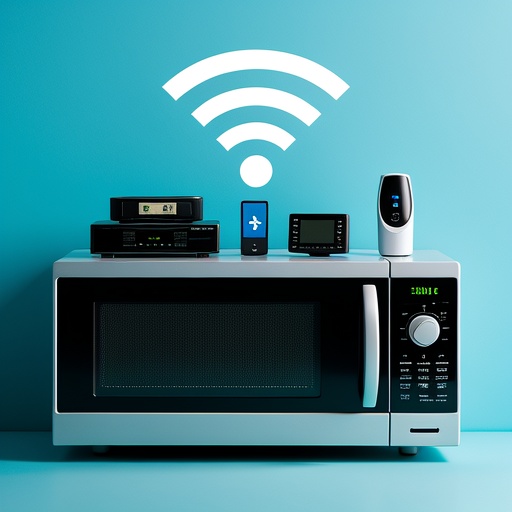 Another factor that can cause a weak Wi - Fi signal is interference from other electronic devices. In modern buildings, there are numerous electronic devices that operate on similar frequencies as Wi - Fi. The 2.4 GHz band is a commonly used frequency band for Wi - Fi routers, and many other devices also use this band. Microwave ovens are a well - known source of interference. When a microwave is in use, it emits radiation in the 2.4 GHz band, which is the same band used by many Wi - Fi routers. This radiation can cause significant interference with the Wi - Fi signal, leading to a weaker connection in the surrounding area. For example, if a Wi - Fi router is placed in the kitchen near a microwave oven, the signal may become extremely unstable when the microwave is turned on. The interference can cause the Wi - Fi signal to drop out completely or result in slow internet speeds. Bluetooth devices are another source of interference. Bluetooth also operates in the 2.4 GHz band, and when multiple Bluetooth devices are in use in close proximity to a Wi - Fi router or a device trying to connect to the Wi - Fi, they can interfere with the Wi - Fi signal. Cordless phones are also a common culprit. Many cordless phones use the 2.4 GHz or 5 GHz bands, which can overlap with the Wi - Fi frequencies. A cordless phone sitting on its base station near a Wi - Fi router can cause interference, leading to a weaker Wi - Fi signal. Even some baby monitors can interfere with Wi - Fi signals. These monitors often operate on the 2.4 GHz band, and if they are placed too close to a router or a device, they can disrupt the Wi - Fi connection.
 In conclusion, the weakening of Wi - Fi signals in some rooms of a building is a result of a combination of physical obstacles, distance from the router, and interference from other electronic devices. To improve the Wi - Fi signal in these areas, several solutions can be considered. Repositioning the router is one of the simplest and most effective solutions. Placing the router in a central location within the building can help to ensure that the signal is distributed more evenly. For example, in a house, placing the router on the second floor in a central hallway can improve the signal strength in rooms on both the first and second floors. Using Wi - Fi extenders or mesh networks is another option. Wi - Fi extenders work by receiving the existing Wi - Fi signal and re - broadcasting it at a higher power, effectively extending the range of the network. Mesh networks, on the other hand, consist of multiple access points that work together to create a seamless Wi - Fi network. These access points can be placed in different rooms of the building to ensure that the Wi - Fi signal is strong throughout. Finally, minimizing the use of interfering devices can also help to improve the Wi - Fi signal. For example, turning off a microwave oven or moving a cordless phone away from the router when using the Wi - Fi can reduce interference. By taking these steps, it is possible to improve the Wi - Fi signal strength in areas of a building where it is currently weak.